Create and inspect
The basic workflow of creating and inspecting a narrative graph is:
- Import
narrativegraphs. - Prepare your documents as a list of strings.
- Initialize a model and fit it on your docs.
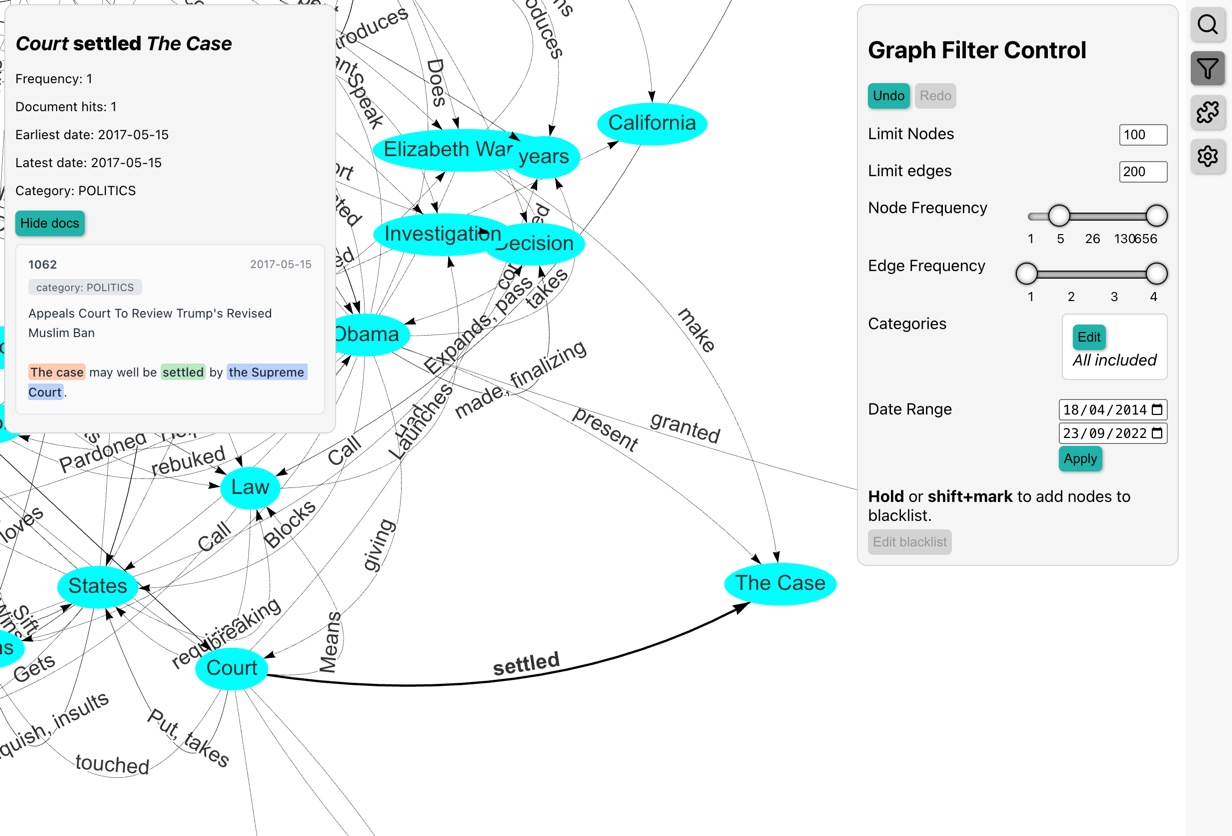
- Serve the visualizer, follow the link, and inspect your docs visually.
from narrativegraphs import NarrativeGraph

docs: list[str] = [...]  # your list of documents
model = NarrativeGraph().fit(docs)
model.serve_visualizer()
Open the link in your terminal to explore the graph in your browser:
Progress and log messages
Fitting reports what it is doing — adding documents, extracting, mapping,
calculating stats — on the narrativegraphs logger at INFO level. Where those
messages go is your program's decision, not the library's, so nothing is printed
until you configure logging yourself:
Extraction progress bars are shown independently of this, whenever the output is a terminal or a notebook rather than a file.